I let an AI agent set up Search Console — here's what broke
2026-06-29
I needed to do a boring, one-time chore: verify thinkrun.ai in Google Search Console and Bing Webmaster Tools, and submit the sitemap. The kind of thing you do once per site and then forget.
So instead of clicking through it myself, I pointed an AI agent at my actual logged-in Chrome — via ThinkRun — and told it to handle the whole thing.
That "logged-in" part matters more than it sounds. Most browser agents get a fresh, empty browser: they have to log in, fight CAPTCHAs, and re-establish every session before they can do anything useful. Mine started inside the browser I already live in — already signed into Google, Cloudflare, the works. So it could just go. (That's the claim; the rest of this post is me showing it, not asserting it.)
It mostly worked. Google Search Console is verified and live; Bing is verified with the sitemap submitted. But the interesting part wasn't the success — it was every wall it hit on the way, because each one is a little lesson in how the modern web treats automation.
Here's the tour.
1. Google's forms quietly ignore robots
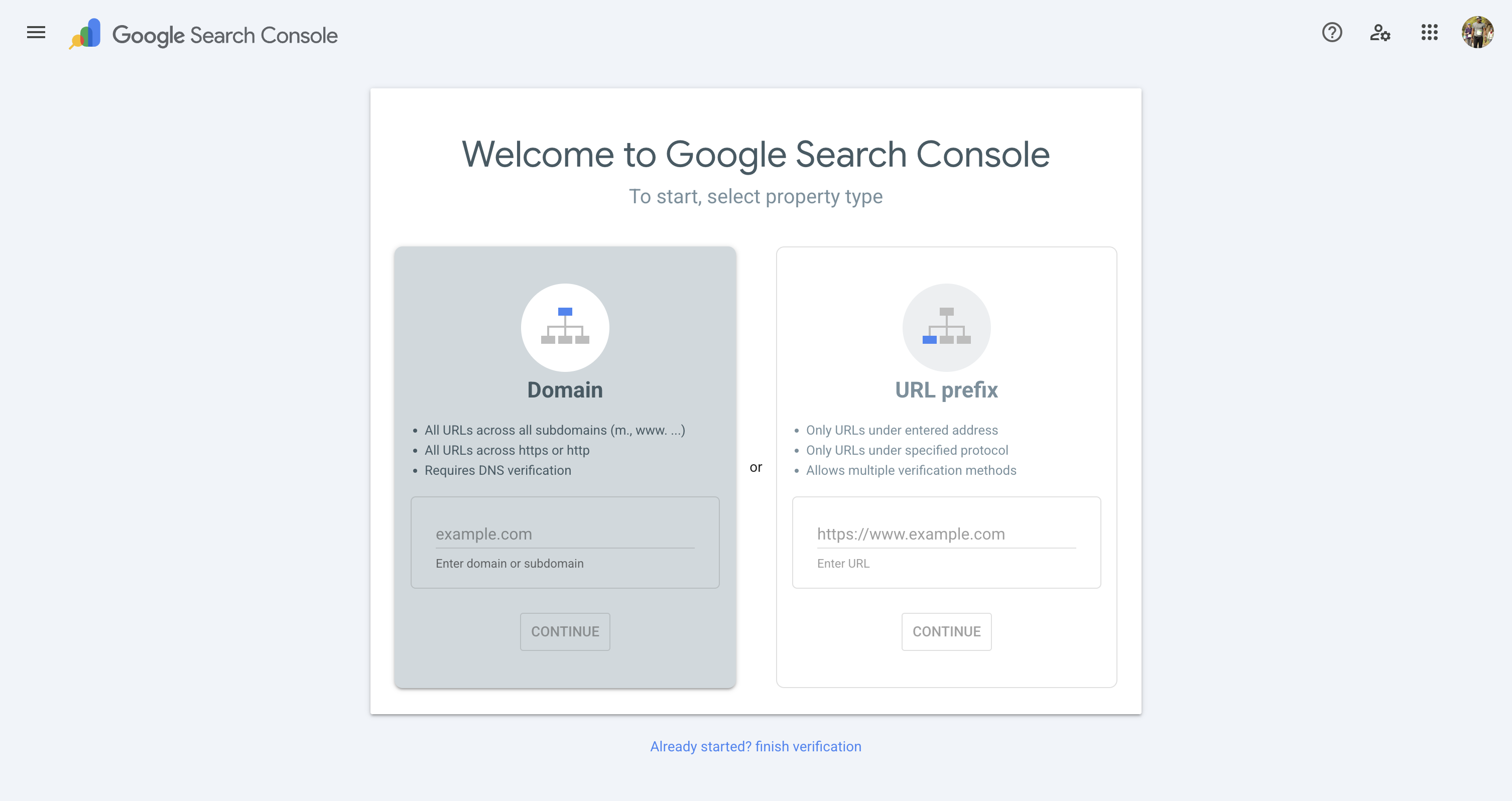
The first thing the agent tried was the obvious thing: type "thinkrun.ai" into the property box and click Continue. The field showed the text. The button looked enabled. Clicking it did nothing.
Google Search Console's inputs are built on Closure, and Closure tracks its own internal value model. Setting the DOM value — even firing input and change events — doesn't update that model. The form looks filled but believes it's empty. Standard "type into this field" automation (which just sets the value) sails right past it.
The fix was to simulate a genuine keystroke per character — keydown, value, input, keyup — so Closure's key handler actually registered each one. You can watch the Continue button flip from disabled to enabled the moment the model catches up.
Lesson: "the field has the value" is not "the form knows the value."
2. The thing that actually unblocked it wasn't the form at all
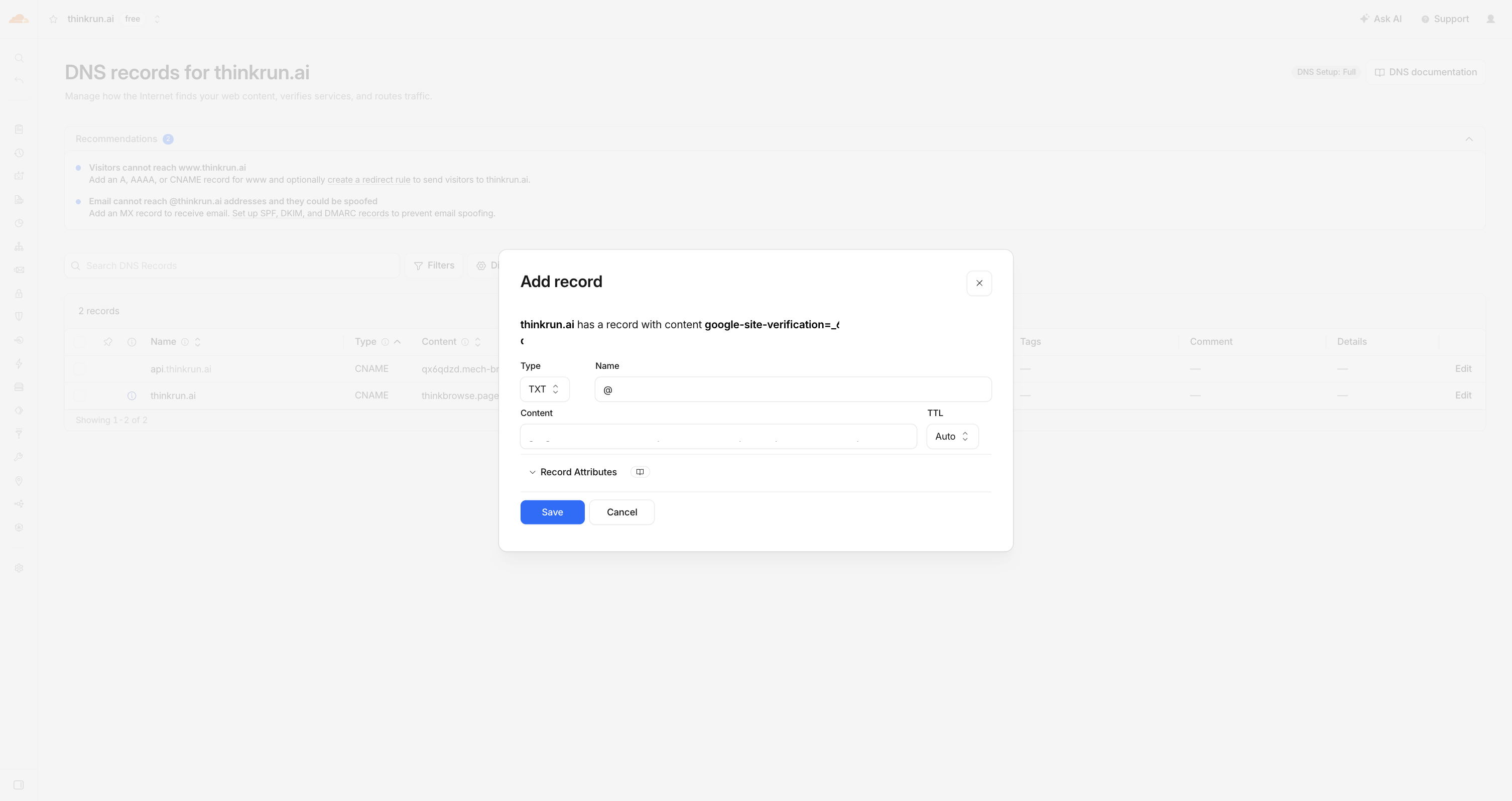
Even after the keystroke trick, the multi-step verification wizard kept fighting back. So the agent stopped fighting the UI and did something smarter: it realized Google's domain verification is server-side. Ownership is proven by a DNS TXT record, not by the form.
So it added the google-site-verification=… TXT record to Cloudflare, confirmed it resolved on public DNS, then navigated straight to the verified-property URL — bypassing the broken wizard entirely. Google saw the record and verified instantly.
Lesson: when a web UI is hostile, find the part of the system that isn't a web UI. The DNS record was the real work; the form was theater.
3. Bing's "Import from Google" silently doesn't do what it says
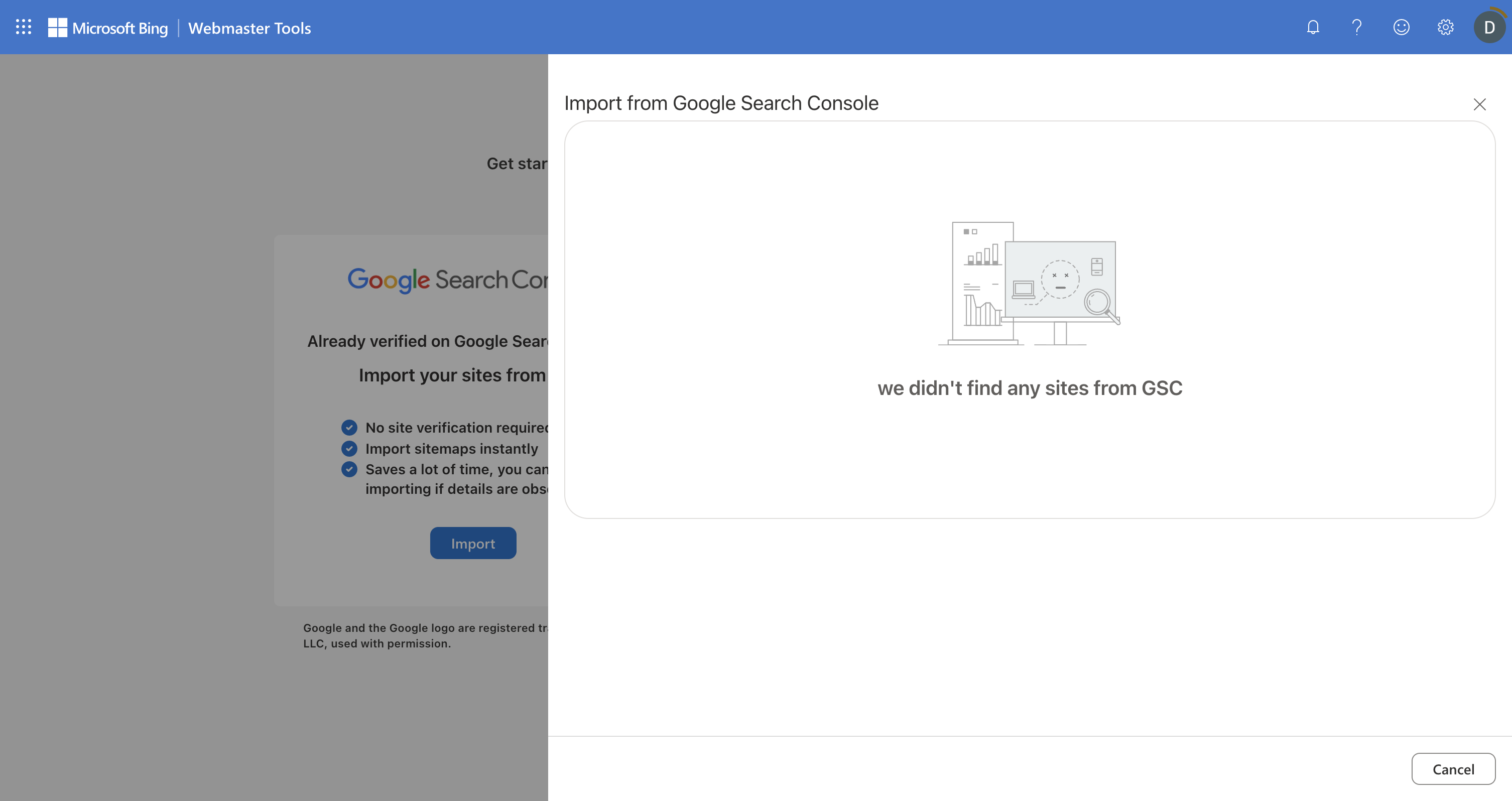
Bing Webmaster Tools has a lovely button: "Already verified on Google Search Console? Import your sites." One click, no re-verification. Perfect.
It returned: "we didn't find any sites from GSC."
The reason is undocumented in the button: Bing's GSC import only pulls URL-prefix properties (https://thinkrun.ai/), not Domain properties (thinkrun.ai). We'd created a Domain property in Google — the more complete kind — so Bing found nothing to import. The shortcut was a dead end, and the agent fell back to adding the site manually and verifying it with its own Cloudflare DNS record (a CNAME this time — and you have to turn Cloudflare's proxy off, or the verification record never resolves).
Lesson: integrations advertise the happy path and hide the footnotes.
4. Some walls are meant for you to hit — and that's good
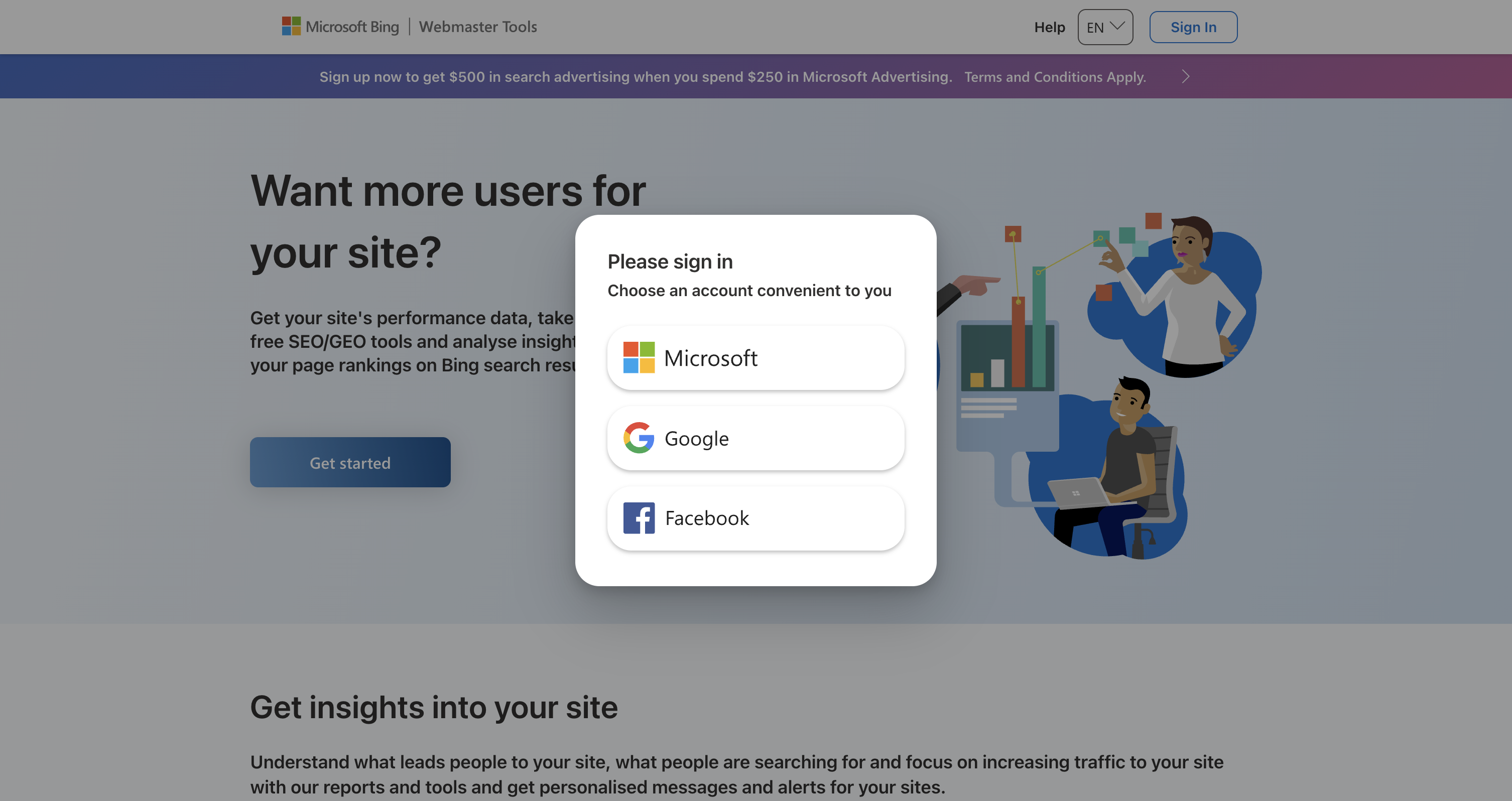
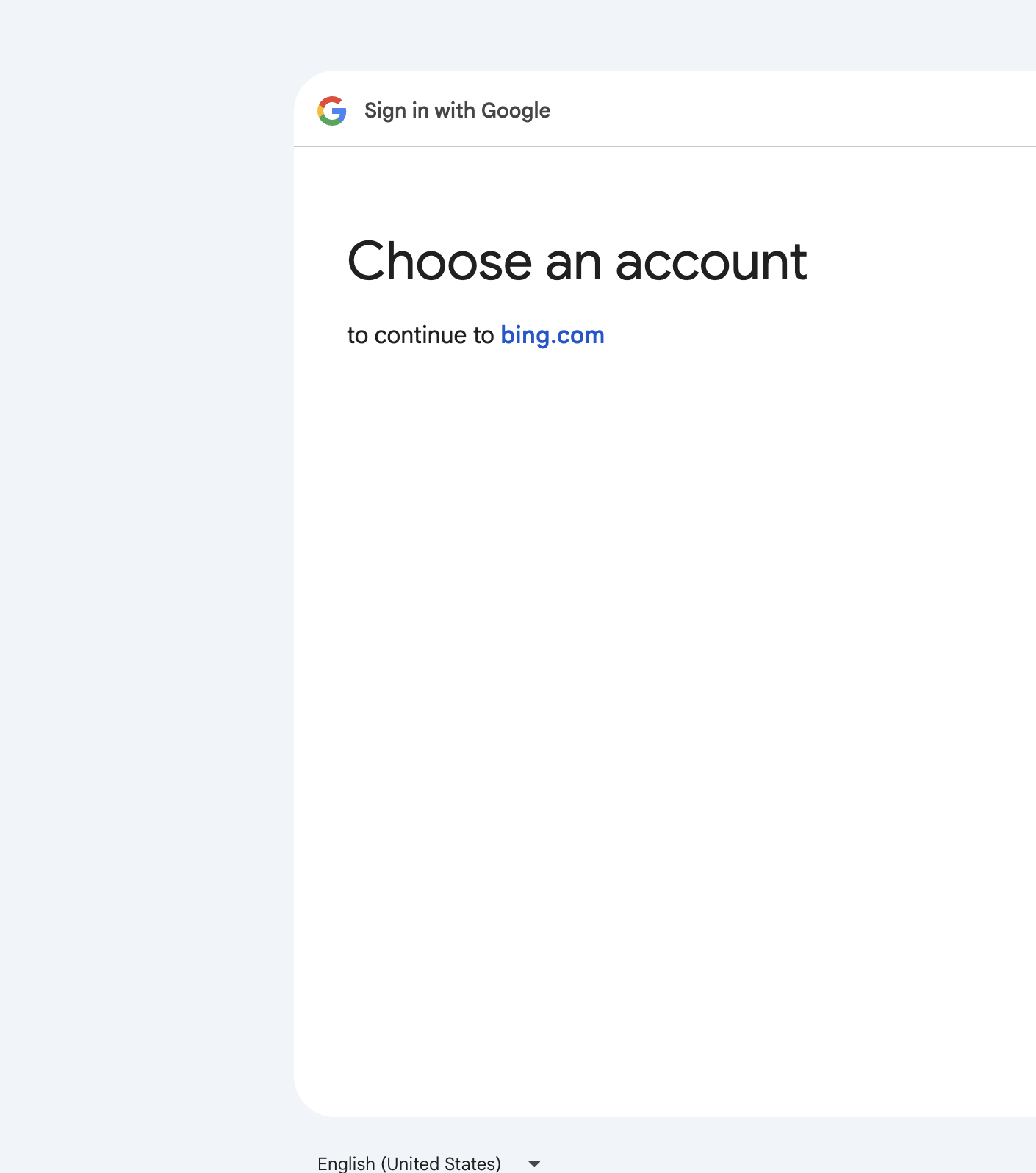
Two moments stopped the agent cold, by design:
- Bing's sign-in buttons (Microsoft / Google / Facebook) are rendered in a closed shadow DOM. They're visible on screen but completely invisible to any script. You cannot click them programmatically.
- Google's OAuth account chooser and consent screen ignore synthetic clicks entirely. The agent could see the account it needed right there; clicking it did nothing.
That second one isn't a bug — it's a security boundary. Granting one app access to another's data is exactly the decision that should require a real human gesture. So the agent did the correct thing: it stopped, told me precisely what to click, I clicked it, and it picked back up on the other side.
This is the part I actually care about. The goal isn't an agent that bulldozes through every screen. It's an agent that gets through the tedious 95% — the forms, the DNS edits, the dashboards — and hands control back at the exact moments a human should be in the loop. Driving your real browser with your real sessions is what makes both halves possible: it can act as you where that's fine, and pause for you where it isn't.
5. And sometimes you just have to wait
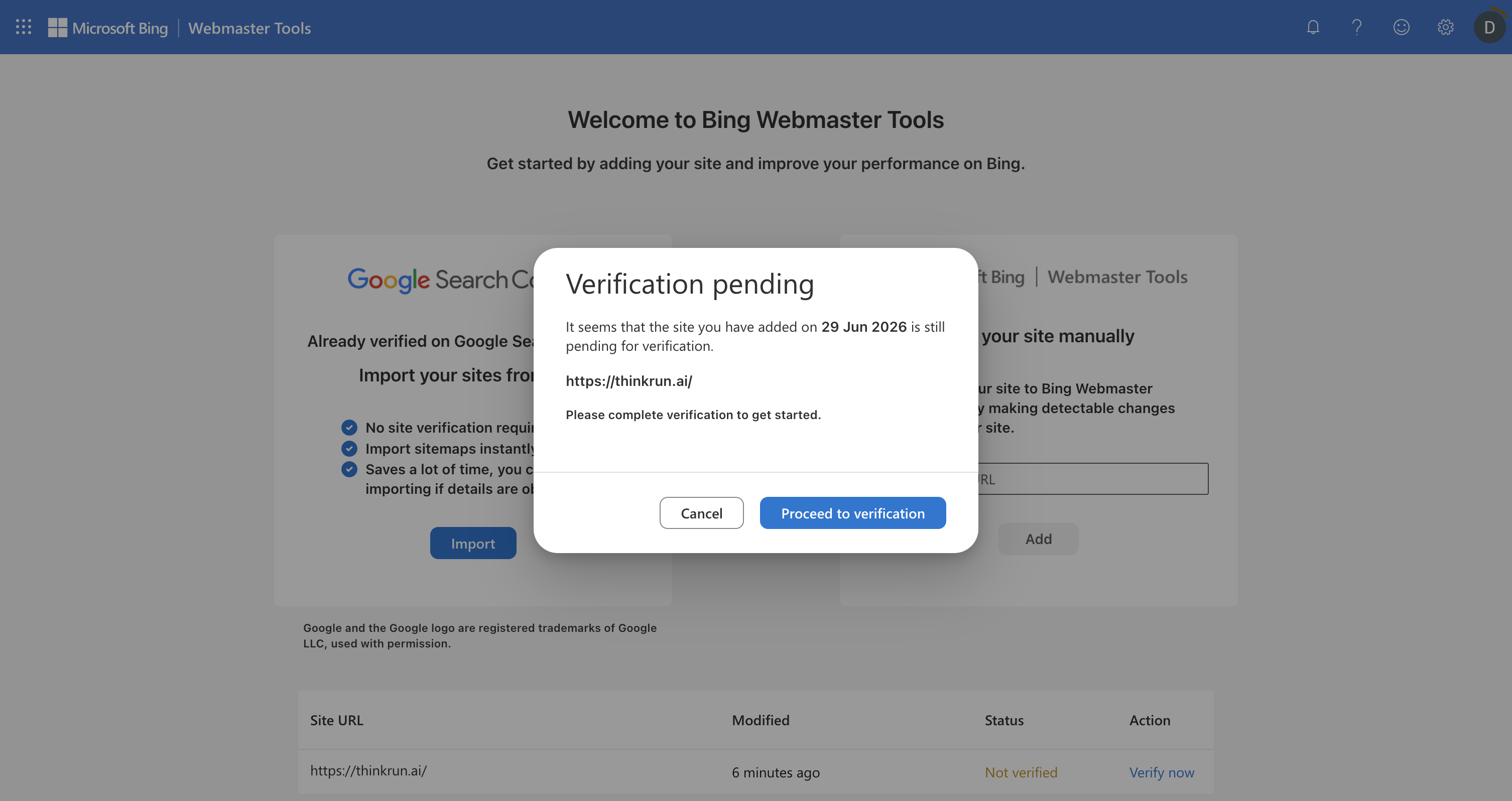
After adding Bing's verification CNAME, the first verify attempt returned "this might be a momentary issue, please try again later." Not an error — just DNS propagation lag. A few minutes later, reload, and Bing showed the full dashboard. Verified.
Lesson: distributed systems have a clock you don't control. "It failed" and "it hasn't happened yet" look identical.
Where it landed
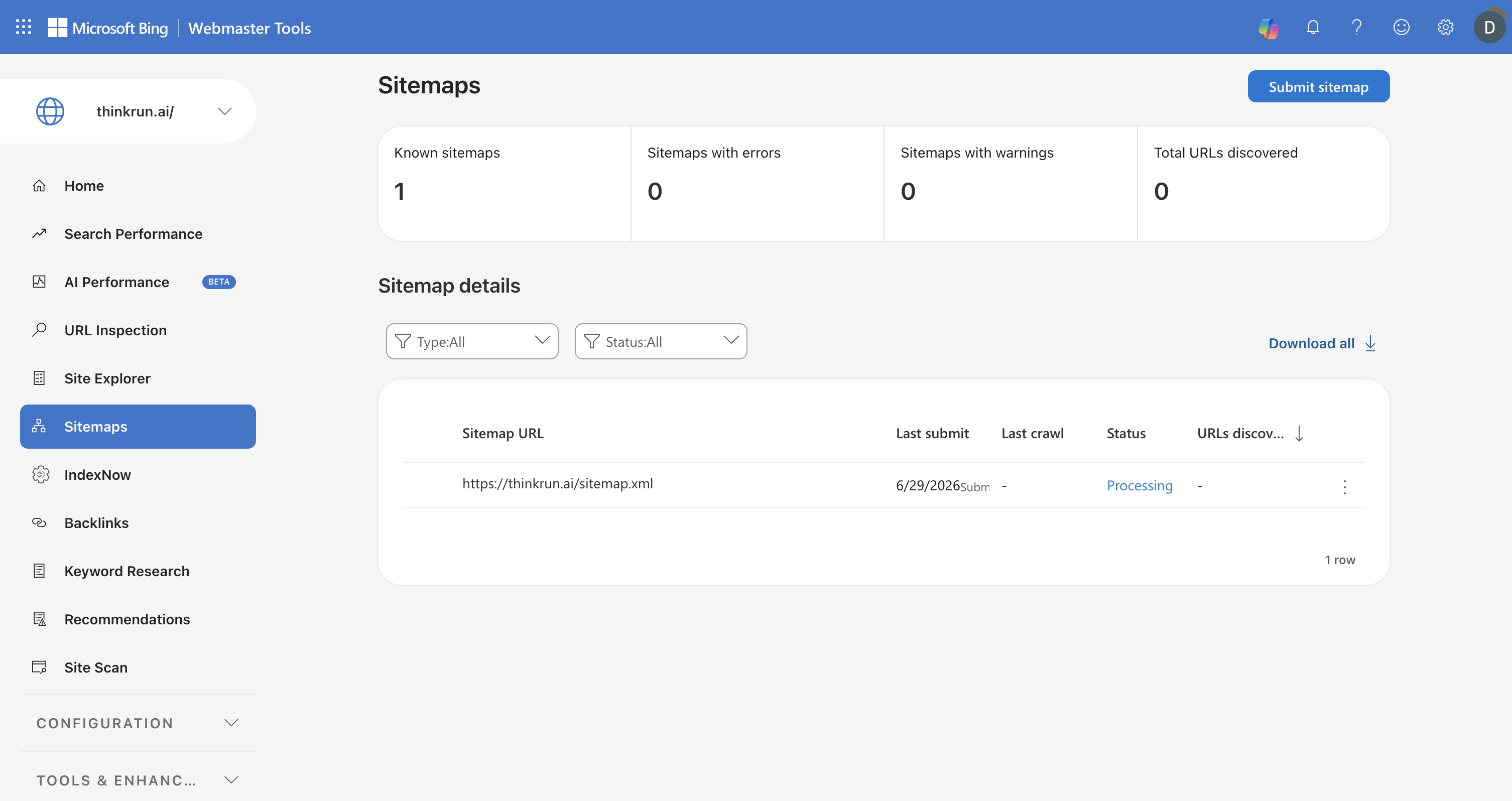
Google Search Console: verified, sitemap auto-discovered. Bing: verified, sitemap submitted, processing. Total hands-on-keyboard time for me: about three clicks, all of them auth approvals I wanted to make myself.
The chore is done. But the more useful takeaway is the shape of the thing: the modern web is a patchwork of frameworks that fight automation (Closure, shadow DOM), shortcuts that quietly don't apply (Bing import), and boundaries that should stop a machine (OAuth consent). An agent that's actually useful here isn't the one that defeats all of them — it's the one that knows which is which.
That's the bet behind ThinkRun: drive the real browser, get through the tedium, and hand the wheel back at the moments that are yours to decide.
Building ThinkRun in public. If you want your coding agent to see and act in a real browser — and stop when it shouldn't — that's what we're making at thinkrun.ai.